Log in to the Be My Eyes Agent Dashboard:
- Navigate to https://app.bemyeyes.com
- Log in via your preferred method.
- Select "Sign in"
Grant required permissions:
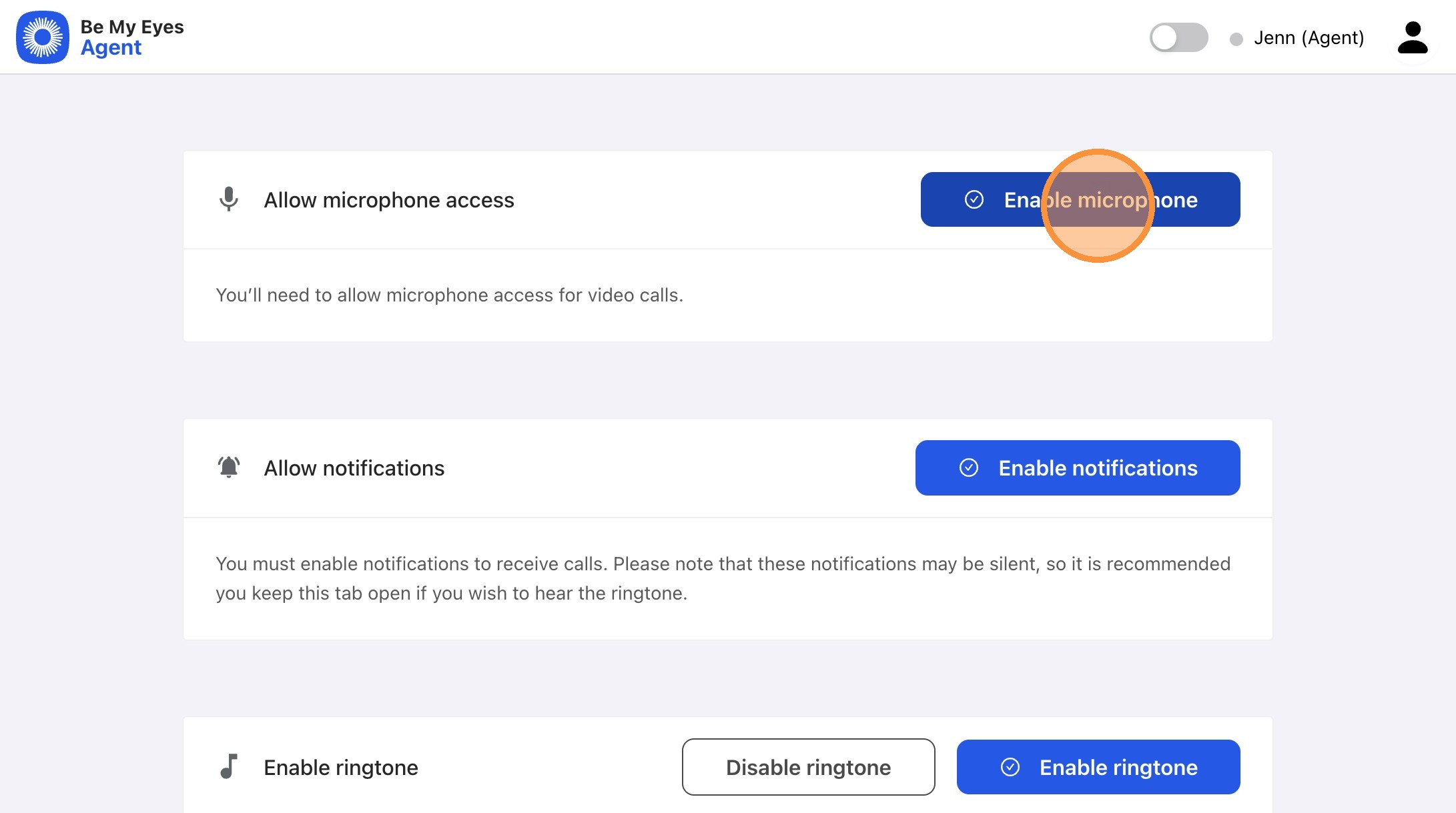
- Select "Enable microphone"
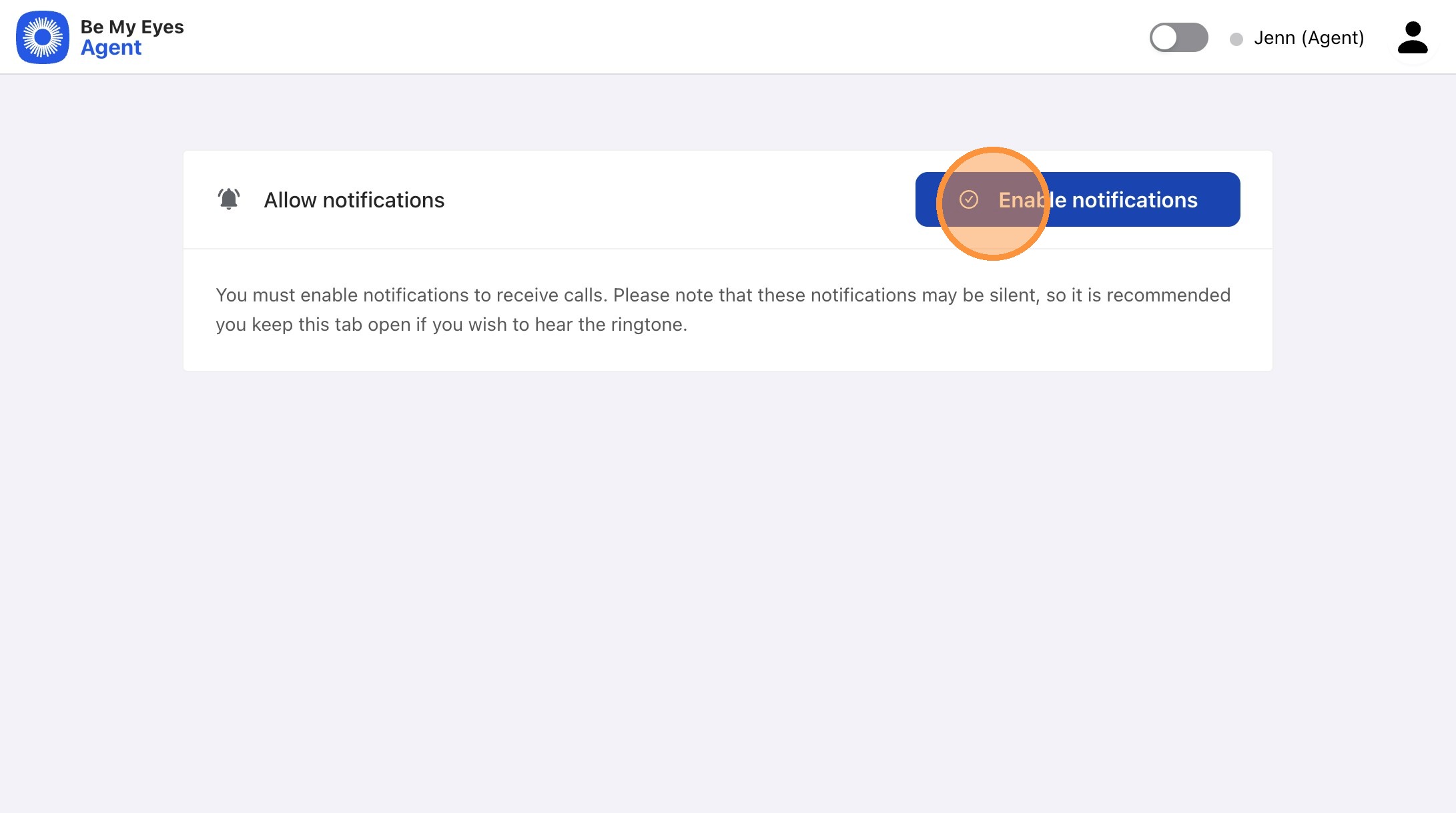
2. Select "Enable notifications"
3. Toggle your availability to set yourself online and ready to receive calls
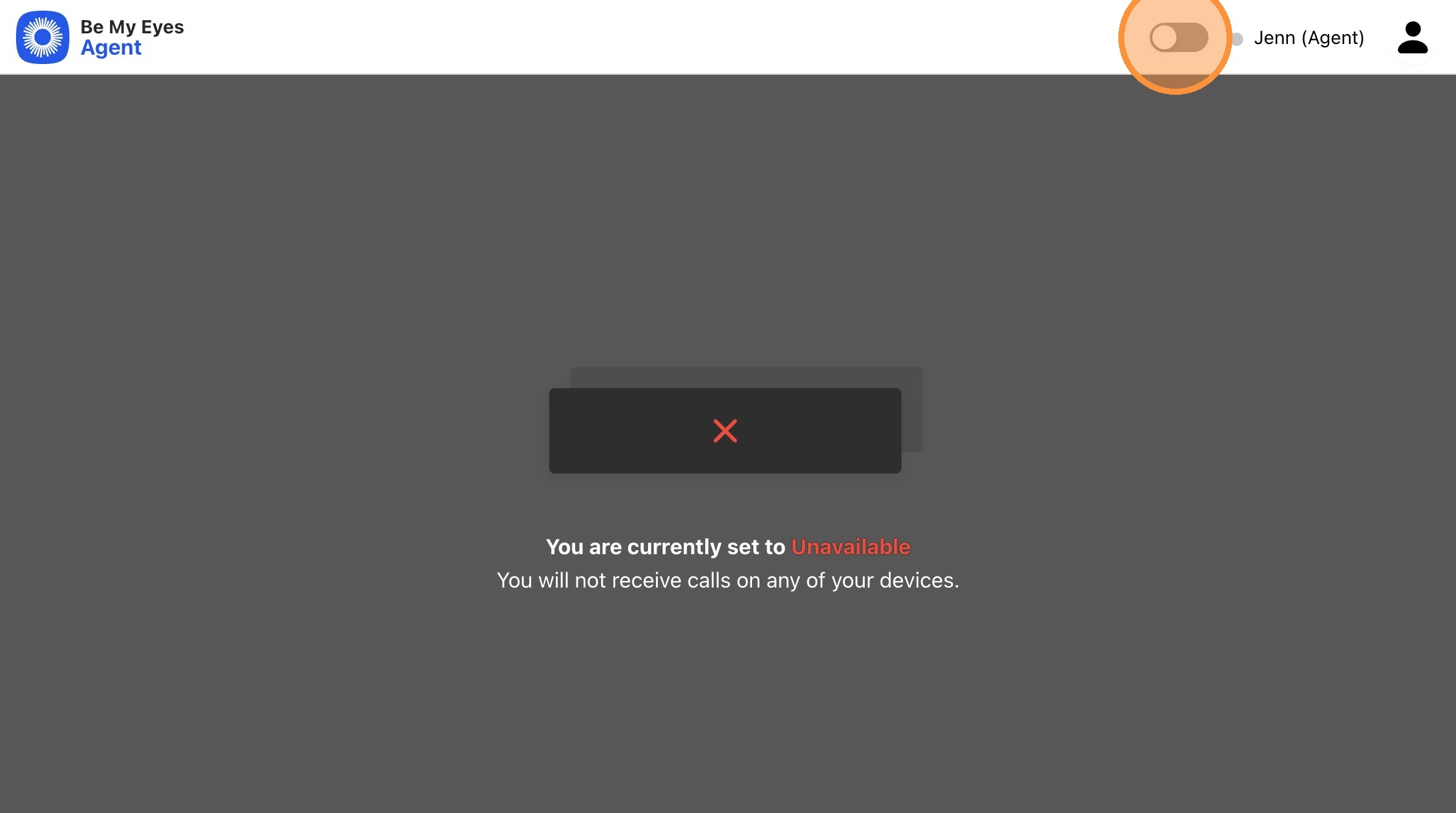
You are now online and ready to receive calls. You must keep this tab open and your status as "Available" to receive calls.